

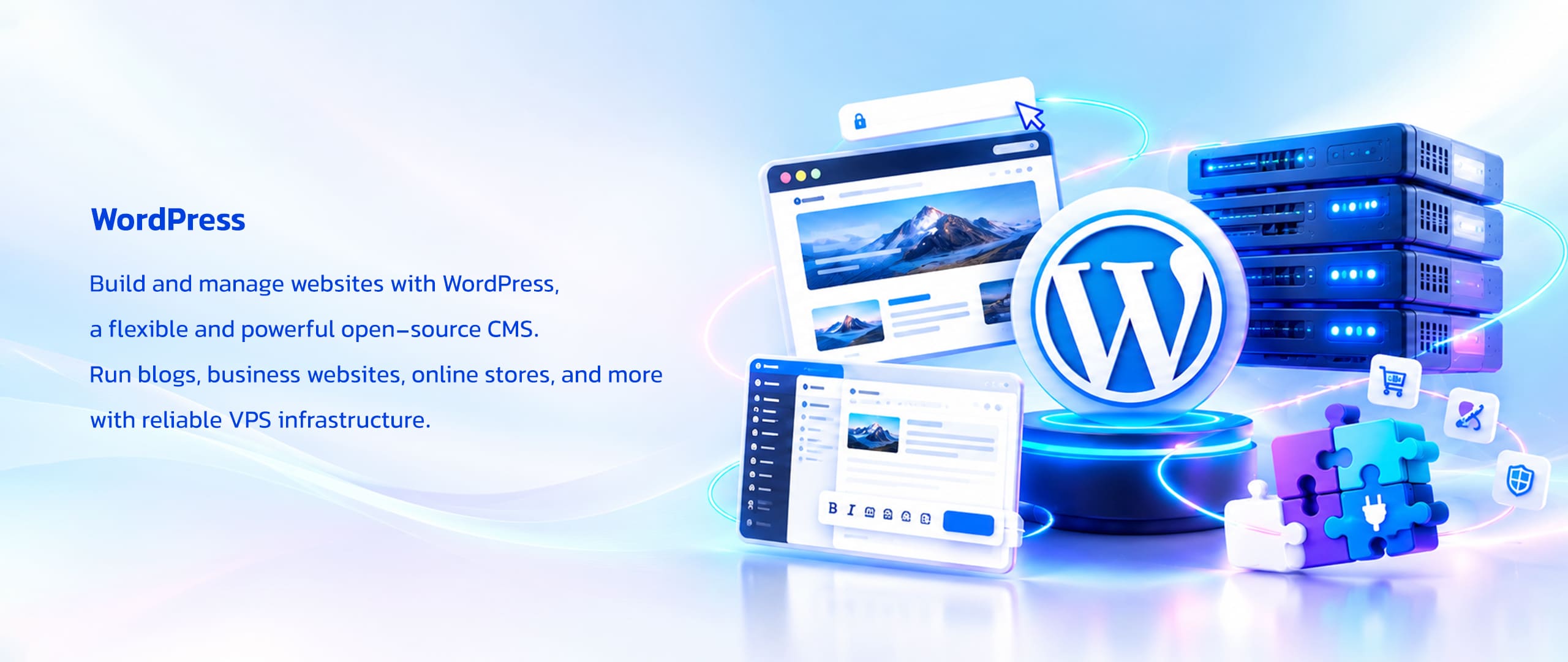
•● WordPress — Flexible Website Creation and Content Management
Build websites, publish content, and extend your online presence with WordPress, an open-source content management system that runs on VPS infrastructure and supports a wide range of website projects, from personal blogs to business websites and online stores.
WordPress began in 2003 as an open-source publishing platform and has evolved into a flexible website management system. Its themes, plugins, and visual editing tools allow users to build and customize websites without having to develop every feature from scratch.
WordPress uses a PHP-based application architecture and stores website content, settings, and related data in a database such as MySQL or MariaDB. A compatible server environment, web server, and HTTPS configuration provide the foundation for running a WordPress website, while themes and plugins extend its design and functionality.
Running WordPress on a VPS gives website owners and developers control over the server environment and resources used by their applications. It can support business websites, blogs, content platforms, landing pages, e-commerce projects, and custom web applications, depending on the selected VPS configuration and the website’s resource requirements.

•● WordPress Availability by VPS Provider
Explore WordPress VPS hosting options across GhostVPS providers. Compare available server infrastructure and supported operating systems to choose a suitable environment for your website, blog, business platform, or online store.
OneProvider VPS | WordPress
WordPress AvailableDeploy WordPress on OneProvider VPS to build and manage websites in a configurable server environment. Compare available VPS configurations and operating systems to find an option suited to your website, application, and deployment requirements.
VPS Features
- High Performance VPS configurations
- Storage Optimized VPS options
- Development VPS configurations
- Configurable CPU, RAM, and storage based on the selected plan
- Network connectivity based on the selected configuration
- IPv4 availability on supported plans
- IPv6-only networking on Development VPS plans
- PTR record availability subject to plan and configuration
- Server management through the available control panel
Available Operating Systems
Hetzner VPS | WordPress
WordPress AvailableRun WordPress on Hetzner VPS to host websites and manage web projects in a configurable server environment. Review available server configurations and operating systems to select an option suited to your website and workload.
VPS Features
- Hetzner VPS configurations for different workloads
- Configurable CPU, RAM, and storage based on the selected plan
- NVMe storage options depending on the selected configuration
- Operating system choices available through the order panel
- Server configuration options based on the selected VPS plan
- Suitable for website hosting and development projects
- WordPress application selection during configuration, when available
Available Operating Systems
Warez VPS | WordPress
WordPress AvailableDeploy WordPress on Warez VPS to create and manage websites in a flexible server environment. Review the available configurations and operating systems to identify a suitable setup for your website, content, and application requirements.
VPS Features
- VPS configurations for different project requirements
- Server resources selected according to the chosen plan
- Operating system options available through the order panel
- WordPress application selection during configuration, when available
- Suitable for website hosting and content publishing
- Flexible environments for supported self-hosted projects
Available Operating Systems
•● Benefits of Running WordPress on GhostVPS
Run WordPress on GhostVPS VPS infrastructure to build and manage websites in an environment that offers configurable server resources, operating system choices, and flexibility for different website workloads.
A VPS gives you greater control over the server environment supporting your WordPress website. Depending on the selected plan and configuration, you can allocate resources for website traffic, manage application settings, install compatible software, and customize the environment to suit your development and hosting requirements. This flexibility is useful for business websites, blogs, content platforms, and online stores.
GhostVPS lets you compare OneProvider, Hetzner, and Warez VPS options where WordPress is available as an application. Review each provider’s infrastructure and supported operating systems, then select a suitable VPS plan and choose WordPress during server configuration. Matching the server resources and software environment to your website’s needs helps establish a practical foundation for reliable WordPress operation and future growth.

•● FREQUENTLY ASKED QUESTIONS
Find answers to common questions about WordPress on GhostVPS, including supported VPS providers, operating system compatibility, application selection, website hosting use cases, server requirements, and choosing the right infrastructure for your WordPress website.
WordPress is an open-source content management system used to create and manage websites, blogs, business platforms, and online stores. Its themes and plugins allow users to customize website design and functionality.
Yes. WordPress is available as an application option on selected GhostVPS infrastructure from OneProvider, Hetzner, and Warez. Choose a suitable provider and VPS plan, then select WordPress during server configuration.
WordPress is listed as an available application on OneProvider VPS, Hetzner VPS, and Warez VPS. Each provider has its own infrastructure and operating system options, so review the relevant provider details before placing your order.
Choose an operating system that is compatible with the WordPress deployment option and its software requirements. Linux distributions such as Ubuntu and Debian are common choices for WordPress hosting. Check the selected provider’s available options and confirm compatibility during server configuration.
Open a provider page that offers WordPress, choose a suitable VPS plan, and continue to the server configuration panel. Select a compatible operating system and choose WordPress from the Application tab before completing your order.
WordPress on a VPS can support blogs, business websites, portfolios, landing pages, content publications, membership websites, and online stores. The appropriate VPS resources depend on website traffic, installed plugins, content, and application workload.
Resource requirements depend on the website’s size, traffic, themes, plugins, and additional services. Consider CPU, RAM, storage, bandwidth, and database workload when choosing a plan. Smaller websites may need fewer resources than busy stores or content-heavy platforms.
A VPS provides a configurable server environment and greater control over server resources and software settings than typical shared hosting. It can suit websites that need custom configuration or room to scale, although performance and reliability still depend on the selected plan, server setup, and ongoing management.
NEED HELP?
Try it for free . No registeration needed. Call Us: +44 07476 676001

About Us
GhostVPS is a trusted leader in providing innovative and secure web hosting solutions. With a focus on performance, scalability, and customer satisfaction, we deliver the reliability your online presence deserves.
- +44 07476 676001
- info[@]ghostvps.com
- 18 Braunston Dr, Hayes UB4 9RB, London, United Kingdom

Premium VPS Provider, Trusted by Over 24K Users
24 Reviews | 4.6 Average


