
Connect
Deploy and connect to your free test VPS after ordering
Follow the actual GhostVPS Console screens from an active Free Test VPS service to a running Linux instance and SSH access.
Open guideGHOSTVPS / TUTORIALS
Connect, secure and run your infrastructure with focused, step-by-step guides.
All guidesFollow the actual GhostVPS Console screens from an active Free Test VPS service to a running Linux instance and SSH access.
Open guide
Verify the delivered Linux server, plan updates, secure access without lockout, and confirm a recoverable backup.
Open guide
Use a short, safe decision path to distinguish a server that is not running from IP, port, firewall, username or credential problems.
Open guide
Point DNS to the intended service, check public resolution, configure the web server and confirm a valid HTTPS certificate.
Open guide
Turn a one-off file transfer into a repeatable backup process with logs, retention and a safe restore test.
Open guide
Check PTR, SPF, DKIM and DMARC in a safe order, then test delivery without assuming an open SMTP port guarantees inbox placement.
Open guide
Choose the right preinstalled image, verify the application, publish it behind HTTPS and set an update and backup routine.
Open guide
Find the current machine rate, distinguish running and stopped resources, and reconcile activity with the Console ledger.
Open guide
Find the correct connection details, open an RDP session and diagnose common connection failures.
Open guide
Test a separate administrative account and SSH key before switching off password and root login.
Open guide
Run a small private n8n editor without publishing port 5678 to the internet.
Open guide
Preview a small transfer, upload without deletion flags and verify a restored file.
Open guide
Find contact details, email preferences, sign-in email, password and security settings in Console.
Open guide
Navigate a Linux VPS, inspect files and resource usage, and read service warnings without changing a production configuration.
Open guide
Identify the CHR license shown on your router, understand the Free and trial limits, and avoid assuming VPS port speed is your licensed throughput.
Open guide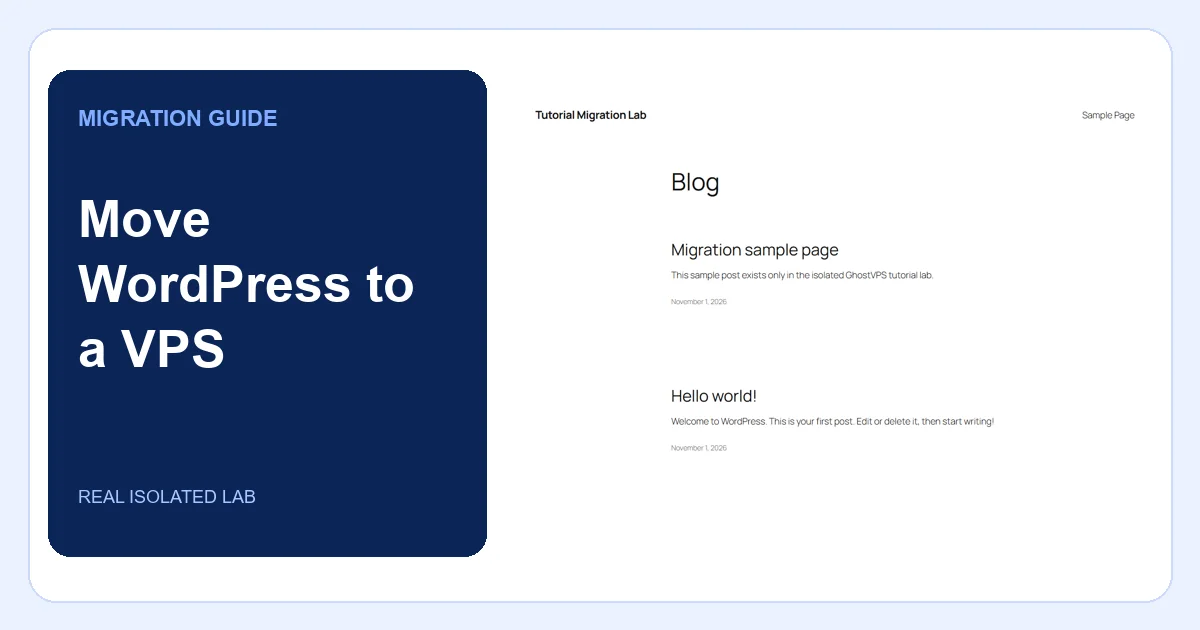
A tested migration workflow for files, database, URL changes, pre-DNS checks and a safe rollback decision.
Open guide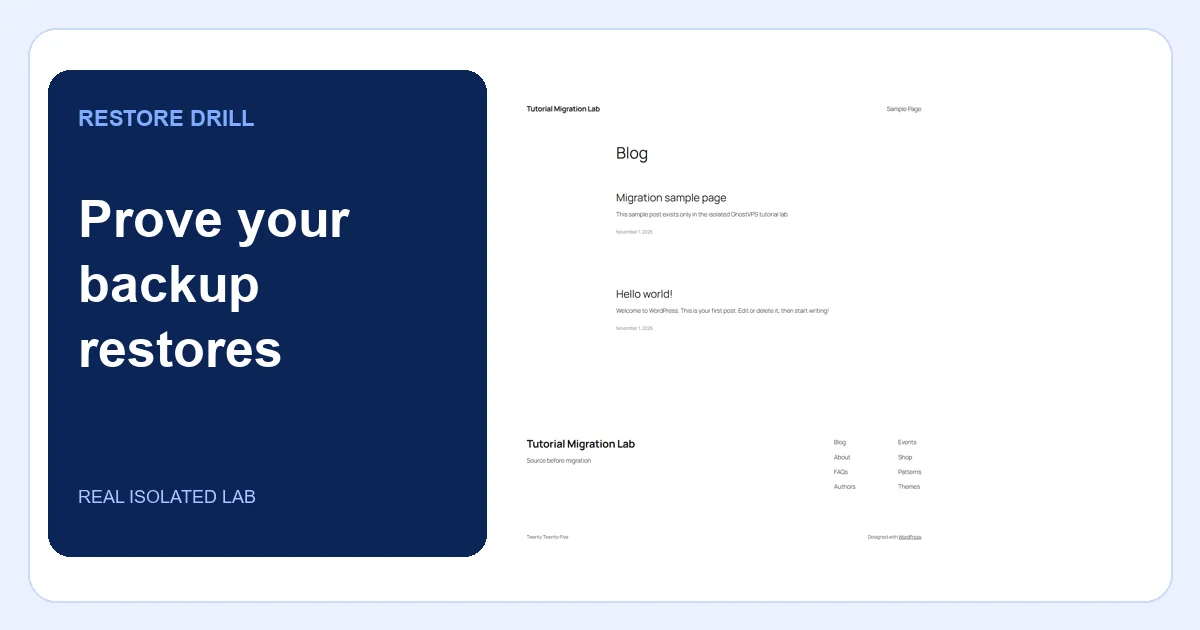
A real restore drill: capture files and database, change a test copy, restore it and verify content and checksums.
Open guide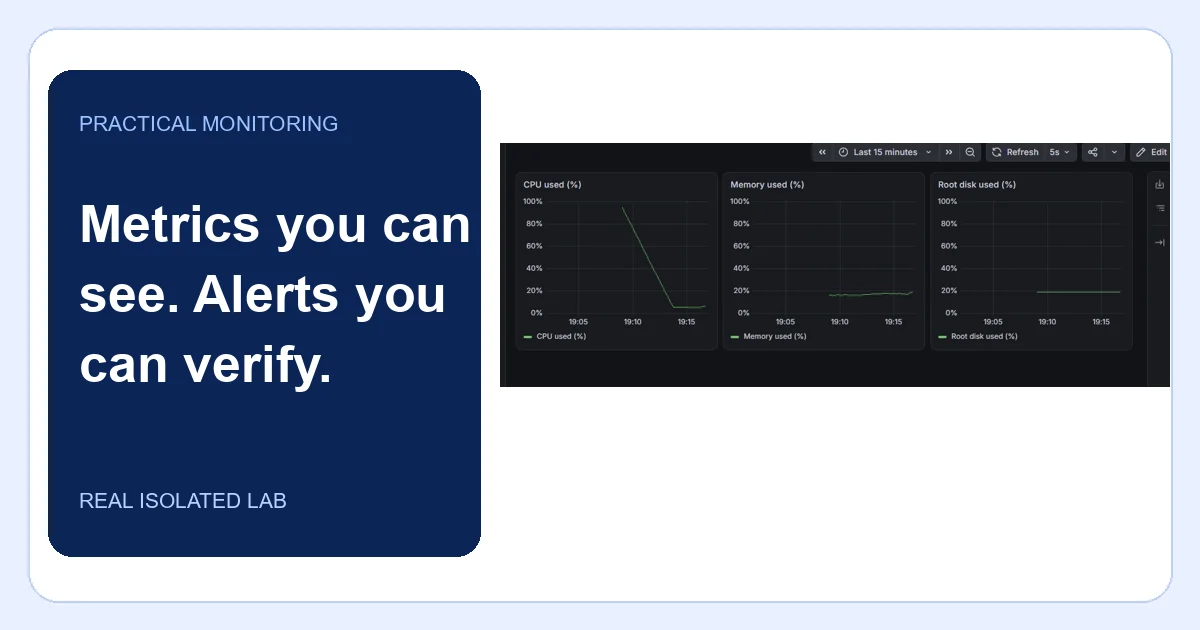
Collect real CPU, memory and disk metrics, build a dashboard and prove a target-down alert actually fires.
Open guide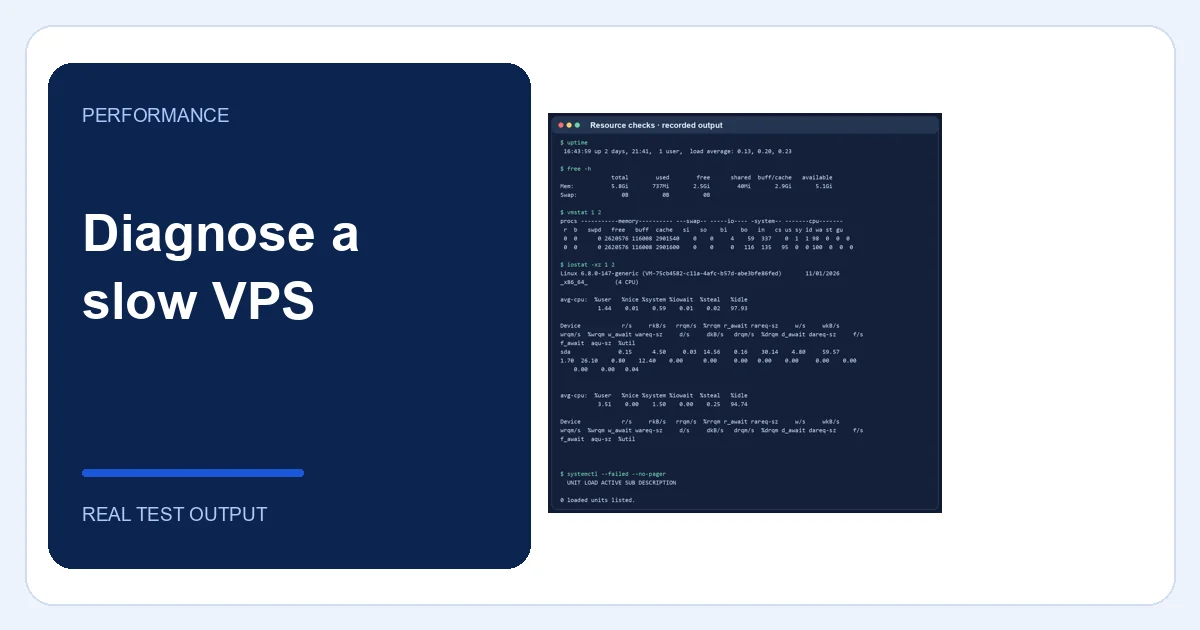
A repeatable check for CPU pressure, memory, disk capacity, I/O and application errors using real command output.
Open guide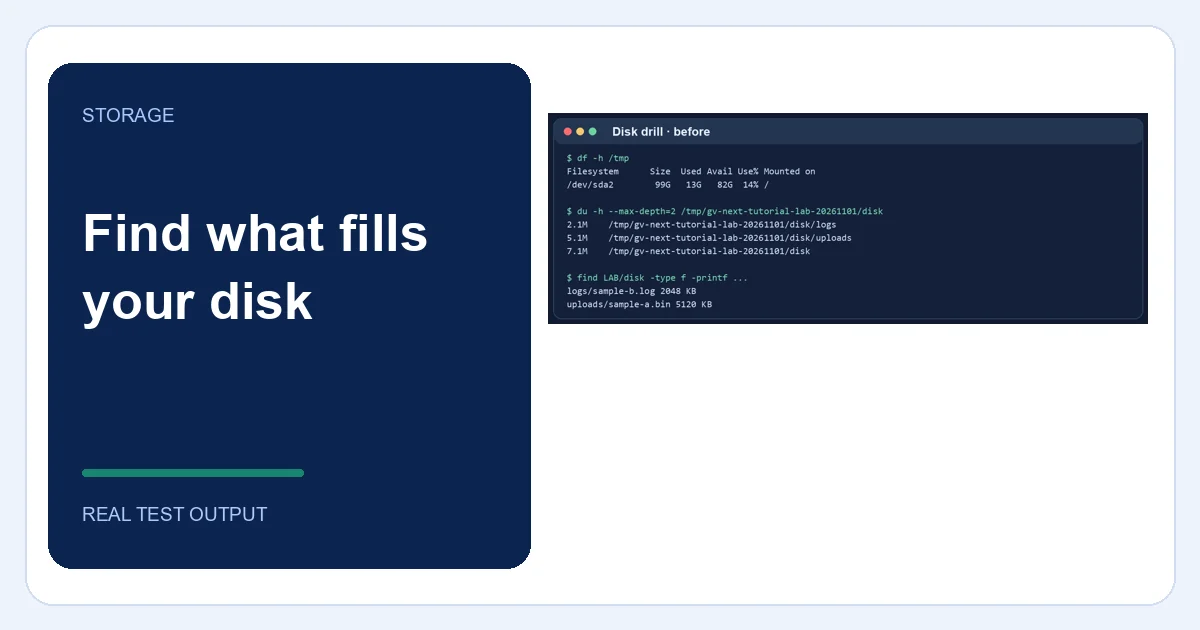
Distinguish full bytes from full inodes, locate the responsible directory and verify a narrow cleanup in an isolated drill.
Open guide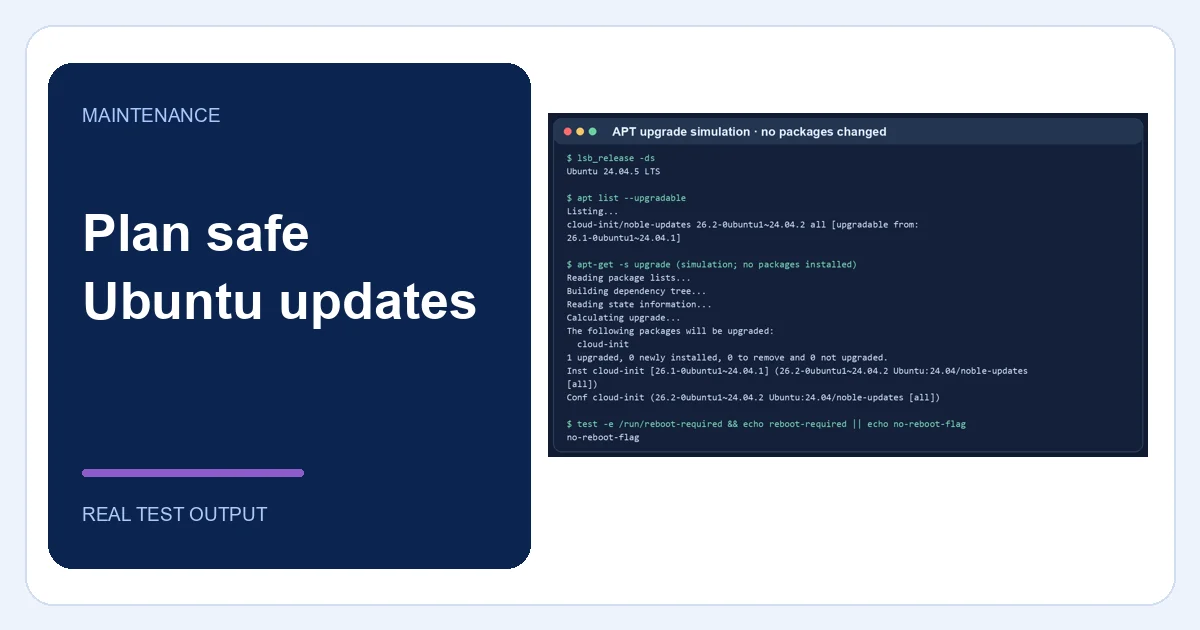
Inspect pending packages, preview changes, protect a rollback point and check services after a controlled update.
Open guide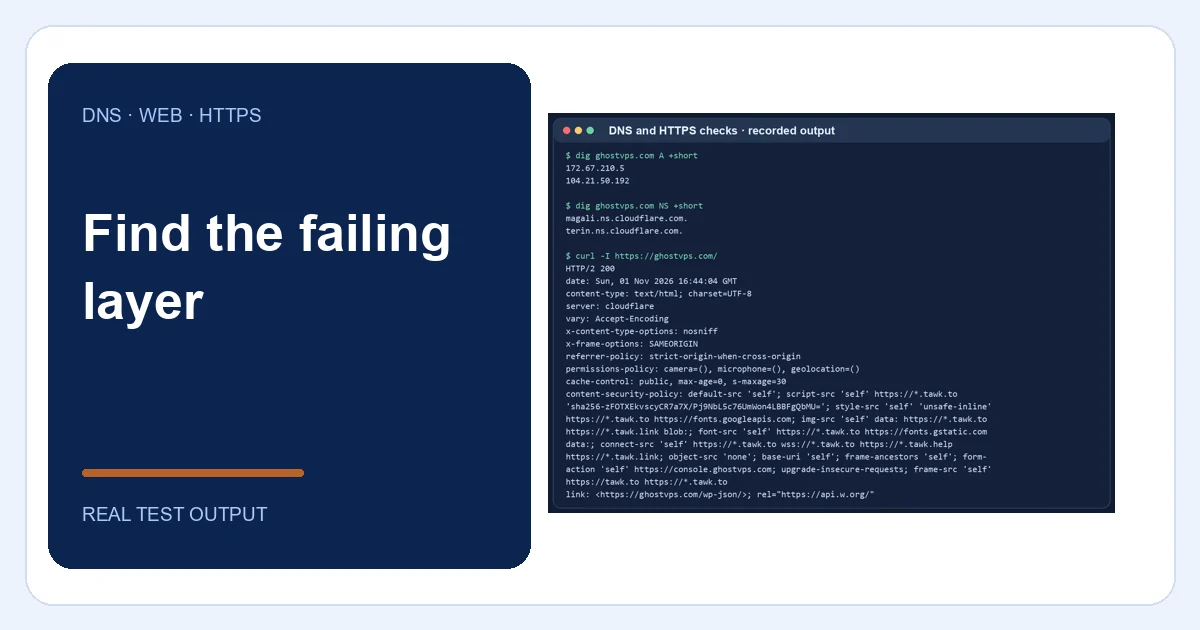
Trace DNS, TLS, reverse proxy and application layers, including a real isolated 502-to-200 recovery.
Open guide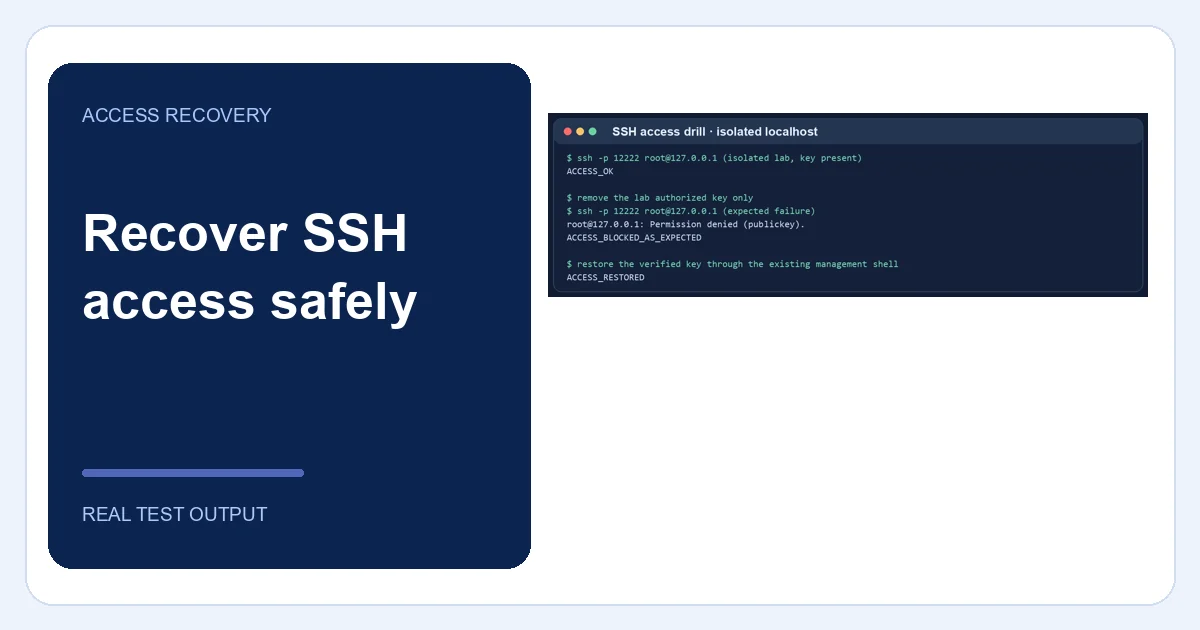
Distinguish authentication failure from network failure, preserve another access path and verify a controlled recovery.
Open guide