GHOSTVPS / Backups
Test a full WordPress restore before you need it
A real restore drill: capture files and database, change a test copy, restore it and verify content and checksums.
Updated · GhostVPS
Before you start
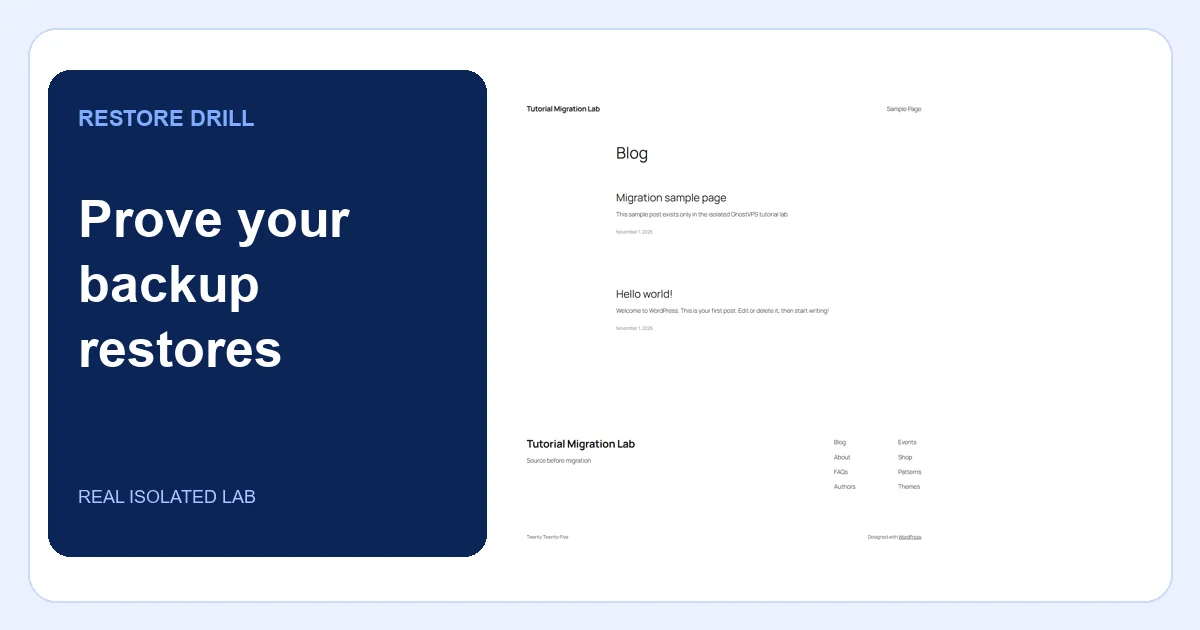
A separate test environment and its own database, a known-good file and SQL backup, enough space, and permission to perform a restore. Never overwrite the live site to test a backup. Screenshots show an isolated lab; no customer data was used.
Define what success means
List the pages, media, configuration and database records you must recover. Note a recent known-good page and a file you can checksum. Record the recovery point and target time. A backup file existing is not proof that it can restore.
Make a complete, private backup
Export the database and archive the site files, including wp-content and wp-config.php, into a directory outside the public web root. Restrict access and keep an independent off-server copy. Record checksums and the WordPress/PHP/database versions. Our lab kept its backup directory private and recorded the checksum of a sample upload.
Your VPS · Linux terminal
wp db export /secure-backups/site-before-change.sql
tar -czf /secure-backups/site-files.tar.gz -C /var/www/example-site .
sha256sum /secure-backups/site-before-change.sql /secure-backups/site-files.tar.gzChange only the isolated test copy
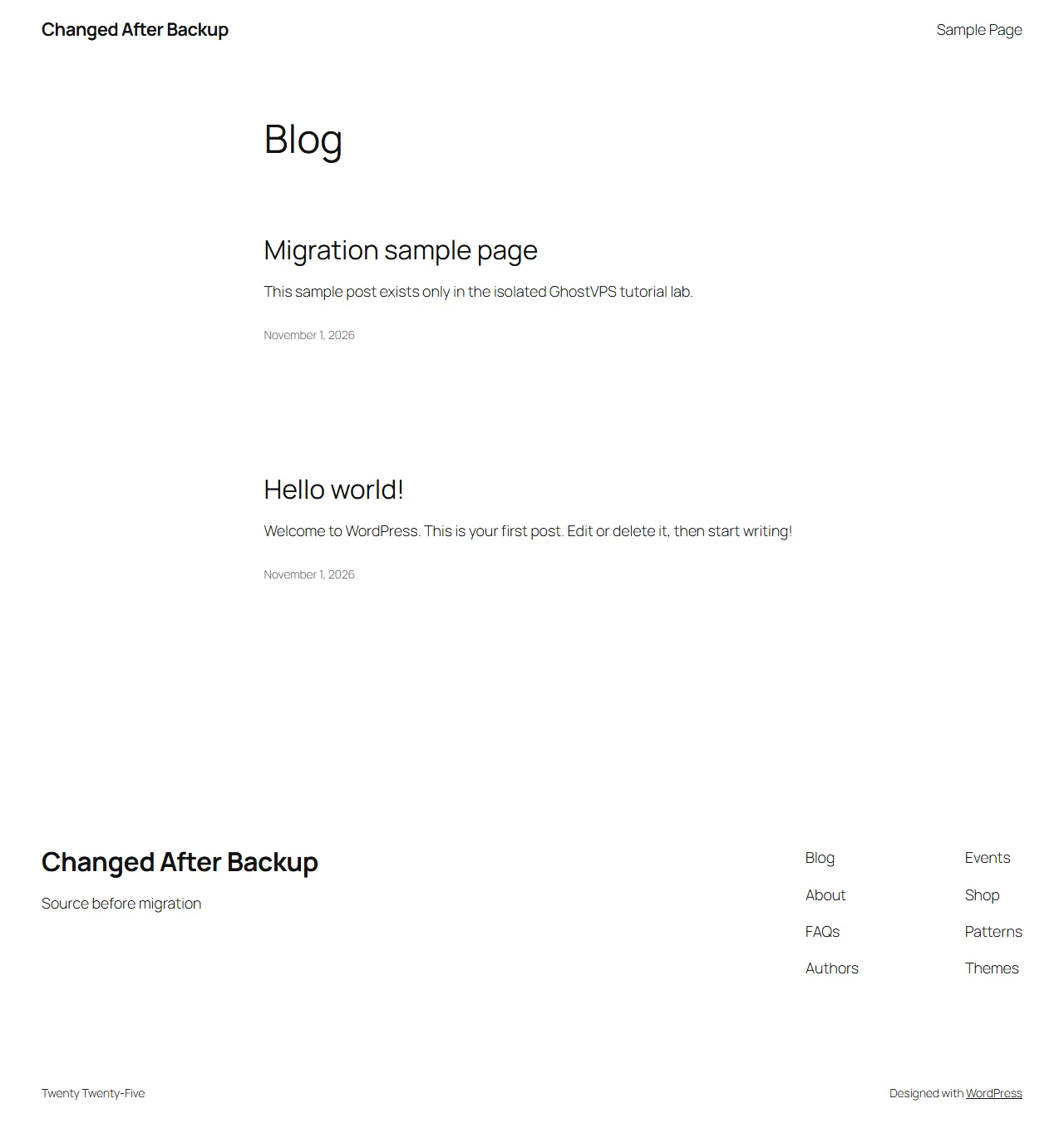
On the test copy, deliberately edit a harmless file and site title so the restore has a visible target. Never perform this drill against production. In the captured lab, the site title changed to “Changed After Backup” while the source and original backup remained untouched.
Restore files and database together
Recreate the test database, import the SQL backup and restore the matching file archive. Adjust environment-specific URLs and configuration only when needed. Restore ownership/permissions, then open the site without public DNS changes. If the SQL and files come from different points in time, uploads or plugin data can be inconsistent.
Verify, document and schedule the next drill
Compare the proof file checksum to the recorded value; check the site title, published content, media, login and a critical workflow. Review web/PHP logs. In our lab, the original title returned, the proof hash matched and two published posts remained. Record the result, backup age, duration and any gap to fix before calling the backup usable.