GHOSTVPS / Security
Check your MikroTik CHR license before using a VPS
Identify the CHR license shown on your router, understand the Free and trial limits, and avoid assuming VPS port speed is your licensed throughput.
Updated · GhostVPS
Before you start
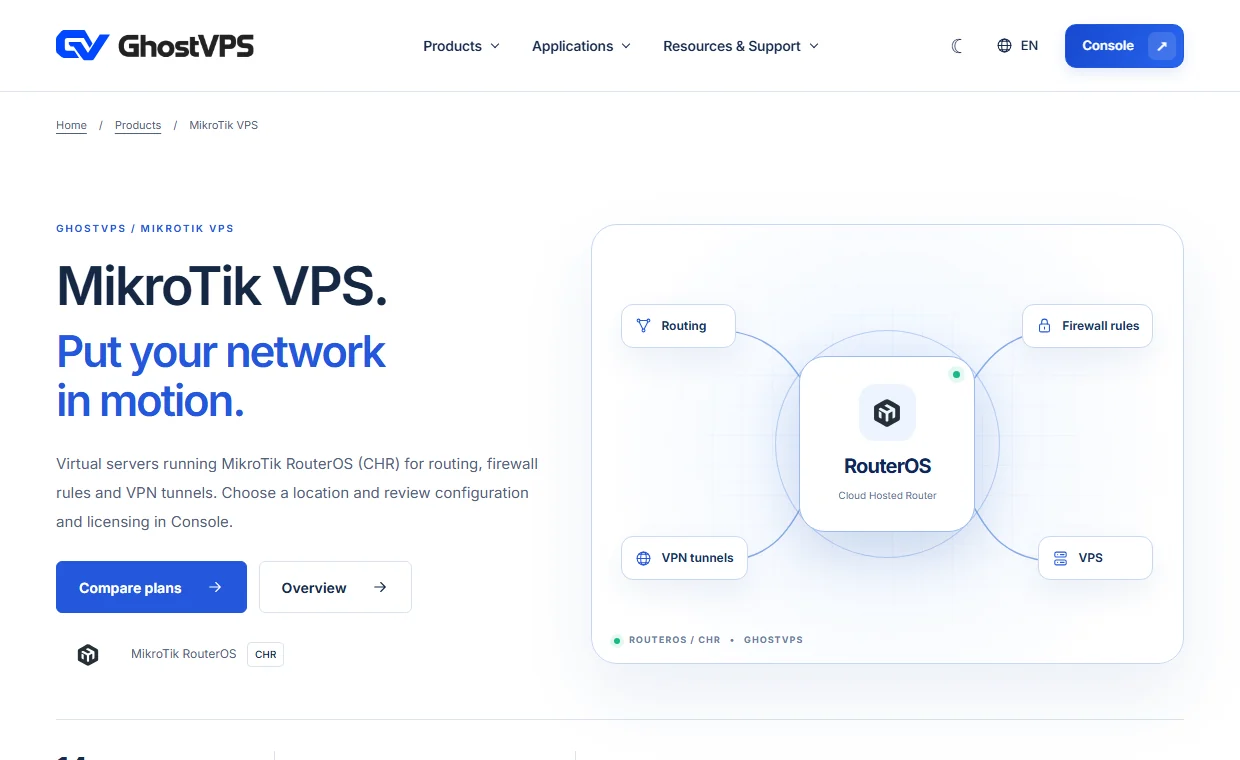
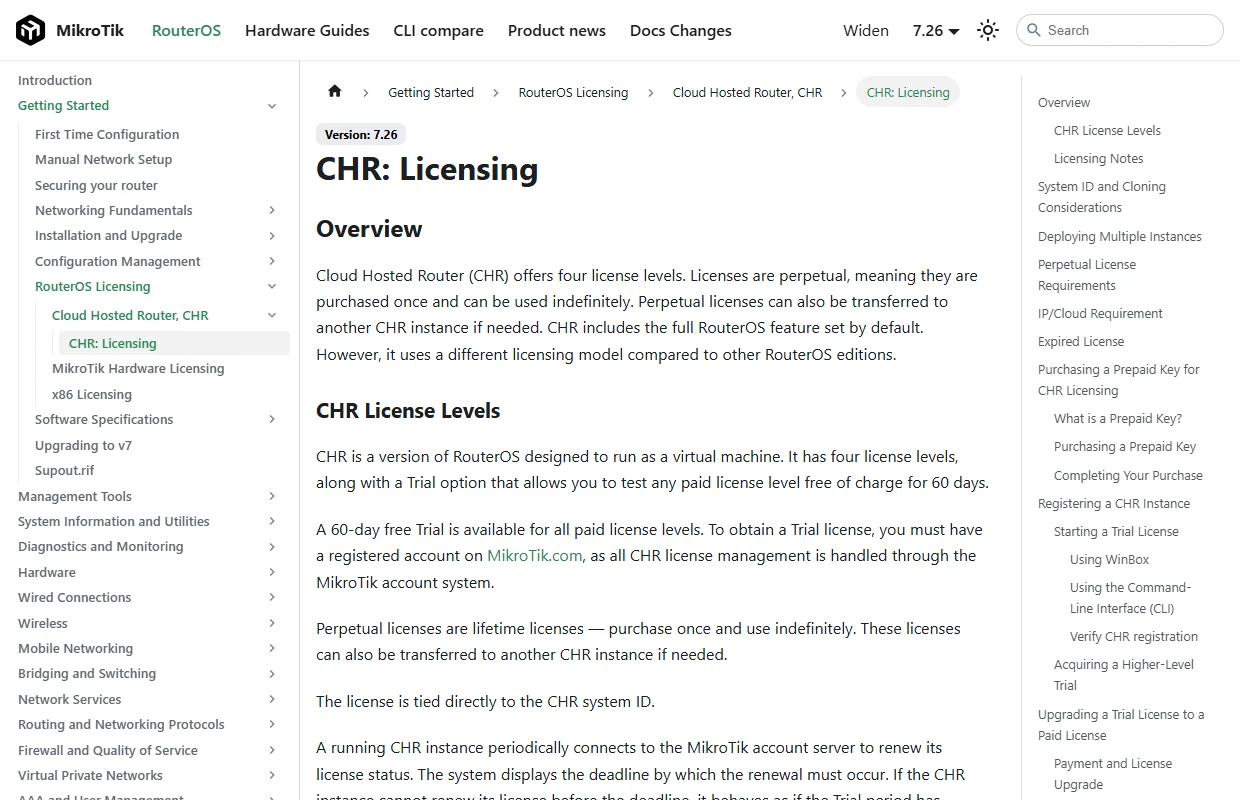
A MikroTik VPS or CHR instance you administer, plus RouterOS console access. Verify the exact RouterOS image and license included with your selected GhostVPS plan in Console. The screenshots show the current official MikroTik documentation and the public GhostVPS product page, not a customer router or a claimed account license.
Confirm the selected plan and RouterOS image
Check the MikroTik VPS plan in GhostVPS and the exact image offered in Console before ordering. A plan’s advertised network port and monthly transfer are infrastructure terms; they do not remove any speed limit imposed by a CHR license. If the plan description does not say which license is supplied, ask support before relying on a particular throughput.
Read the license on your own CHR
After you receive the instance, sign in through an authorized RouterOS management method and run /system/license/print. Note the license level, system ID and any renewal or deadline field; do not publish a screenshot containing identifiers or credentials. /system/resource/print helps confirm the RouterOS version and hardware view. The result on your router is the authority for its current state.
Your VPS · Linux terminal
/system/license/print
/system/resource/printUnderstand Free, trial and paid levels
The current MikroTik manual says the CHR Free level runs indefinitely but limits upload to 1 Mbps per interface. A paid-level trial lasts 60 days and requires a MikroTik.com account. Paid CHR licenses have different limits and are obtained through MikroTik, unless your exact service says otherwise. Do not assume a “1 Gbps uplink” label on a VPS overrides the Free license.
Plan a trial without surprising expiry
If you choose a 60-day trial, record the activation date and check /system/license/print periodically. MikroTik documents that an expired trial restricts RouterOS upgrades; licensing behavior should be confirmed in the current manual before relying on a production configuration. Do not enter MikroTik account credentials into an untrusted script or share them in a support ticket.
Your VPS · Linux terminal
/system/license/print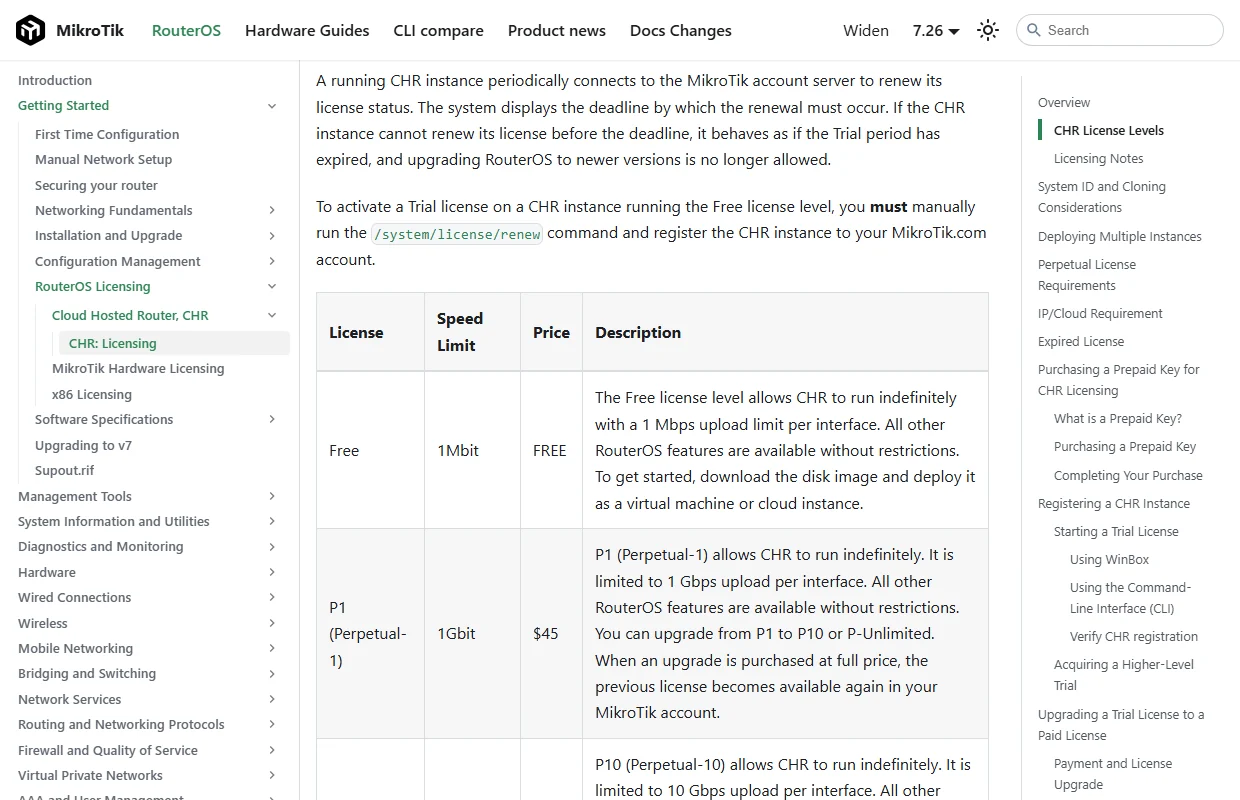
Save the configuration before changes
On current RouterOS v7, /export hides passwords and keys by default; do not add show-sensitive when preparing a shareable export. Store a backup outside the instance. An export can still expose internal addresses, hostnames and network topology, and it does not include every item needed for a complete restore, such as user passwords or installed certificates. Before changing firewall, routing or licensing, preserve a way back into the router and test with a non-production client first.
Your VPS · Linux terminal
/export