GHOSTVPS / Operations
Find what is filling a Linux VPS disk and reclaim space safely
Distinguish full bytes from full inodes, locate the responsible directory and verify a narrow cleanup in an isolated drill.
Updated · GhostVPS
Before you start
SSH access and a current backup of important data. The screenshots show a disposable 7 MB lab tree, not a real full disk or customer files. Do not run deletion commands against an unknown path.
Confirm which filesystem is affected
Check both bytes and inodes. A filesystem can fail to create files when inodes are exhausted even if df -h shows free space. Note the exact mount point; deleting a file on a different filesystem will not solve the problem. Avoid emergency cleanup before identifying the affected mount.
Your VPS · Linux terminal
df -h
df -iNarrow the largest directory
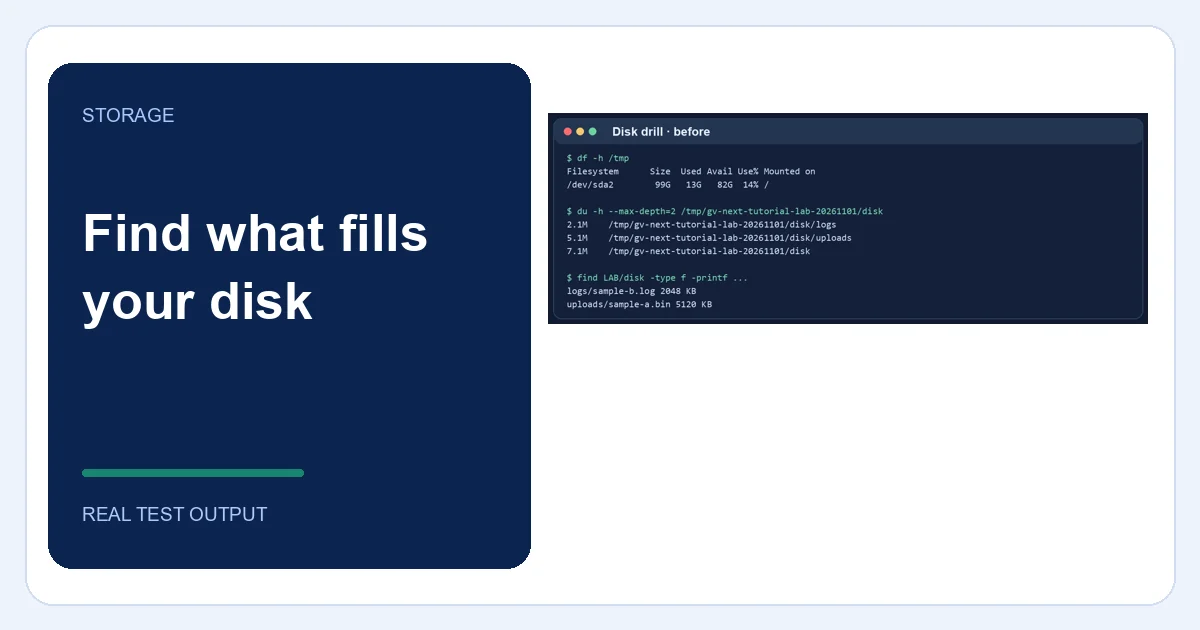
Use du on the affected filesystem and drill down one directory at a time. The -x option keeps the scan on one filesystem. In our isolated lab, uploads occupied about 5 MB and a disposable log about 2 MB; the screenshot shows how the directory totals led to the specific file. Real VPS paths and sizes will differ.
Your VPS · Linux terminal
du -xhd1 /var 2>/dev/null | sort -h
du -xhd1 /home 2>/dev/null | sort -h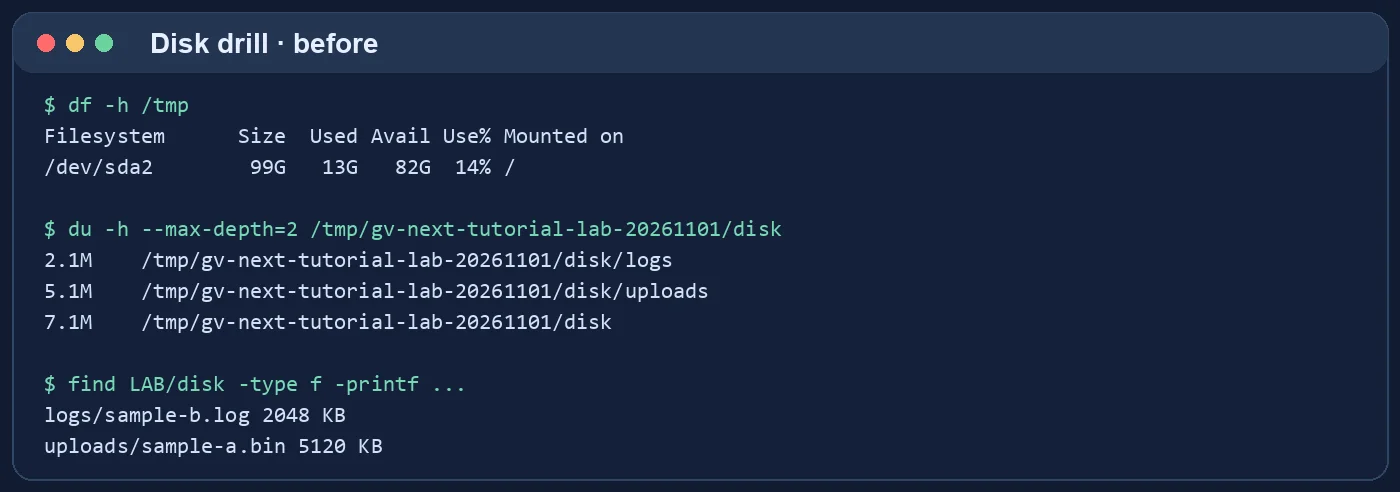
Check logs, caches and deleted-but-open files
Inspect large logs and journal usage without deleting them blindly. A file already deleted but still held open by a running process may keep disk space allocated; identify the process before restarting it. Treat database files, container volumes and backups as application data, not generic temporary files. Retention policies are safer than ad hoc deletion.
Your VPS · Linux terminal
find /var/log -xdev -type f -size +100M -print
journalctl --disk-usageRemove only a verified disposable item
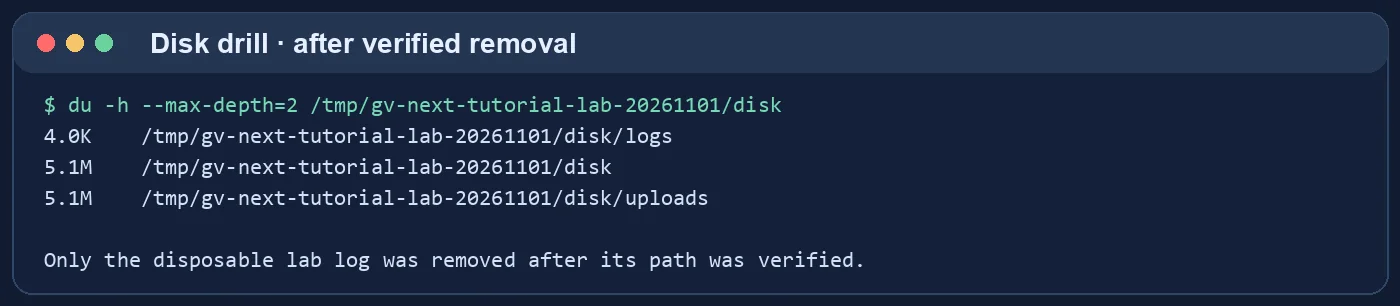
In the lab, we removed one known test log after verifying its exact path; the upload file remained. On a real VPS, prefer application-supported cleanup or log rotation. If you are unsure whether a file is needed for recovery, copy it to a separate backup destination first. Never paste broad recursive deletion commands from a guide into production.
Confirm recovery and prevent recurrence
Run df and du again, check the affected service, and monitor whether usage starts growing immediately. Add an alert for remaining free space and inode availability, review log rotation and backup retention, and resize storage only when legitimate data growth requires it. A cleanup is complete only when the application still works.
Your VPS · Linux terminal
df -h
df -i
systemctl --failed --no-pager