GHOSTVPS / Operations
Find why a domain, HTTPS or website returns an error
Trace DNS, TLS, reverse proxy and application layers, including a real isolated 502-to-200 recovery.
Updated · GhostVPS
Before you start
Control of a domain and a web service you administer. Replace example.com, APP_PORT and YOUR_APP_SERVICE with your own values. The 502/200 images come from an isolated NGINX listener on localhost, not the live GhostVPS website.
Identify the failing layer before changing DNS
Record the exact URL, error code, time and whether the problem affects one client or everyone. Query A/AAAA and nameserver records; if you use a proxy such as Cloudflare, the public A record may show proxy addresses rather than your origin IP. Compare public DNS with the intended provider configuration. Do not repeatedly change records while a previous change is still propagating.
Your computer · terminal
dig example.com A +short
dig example.com NS +short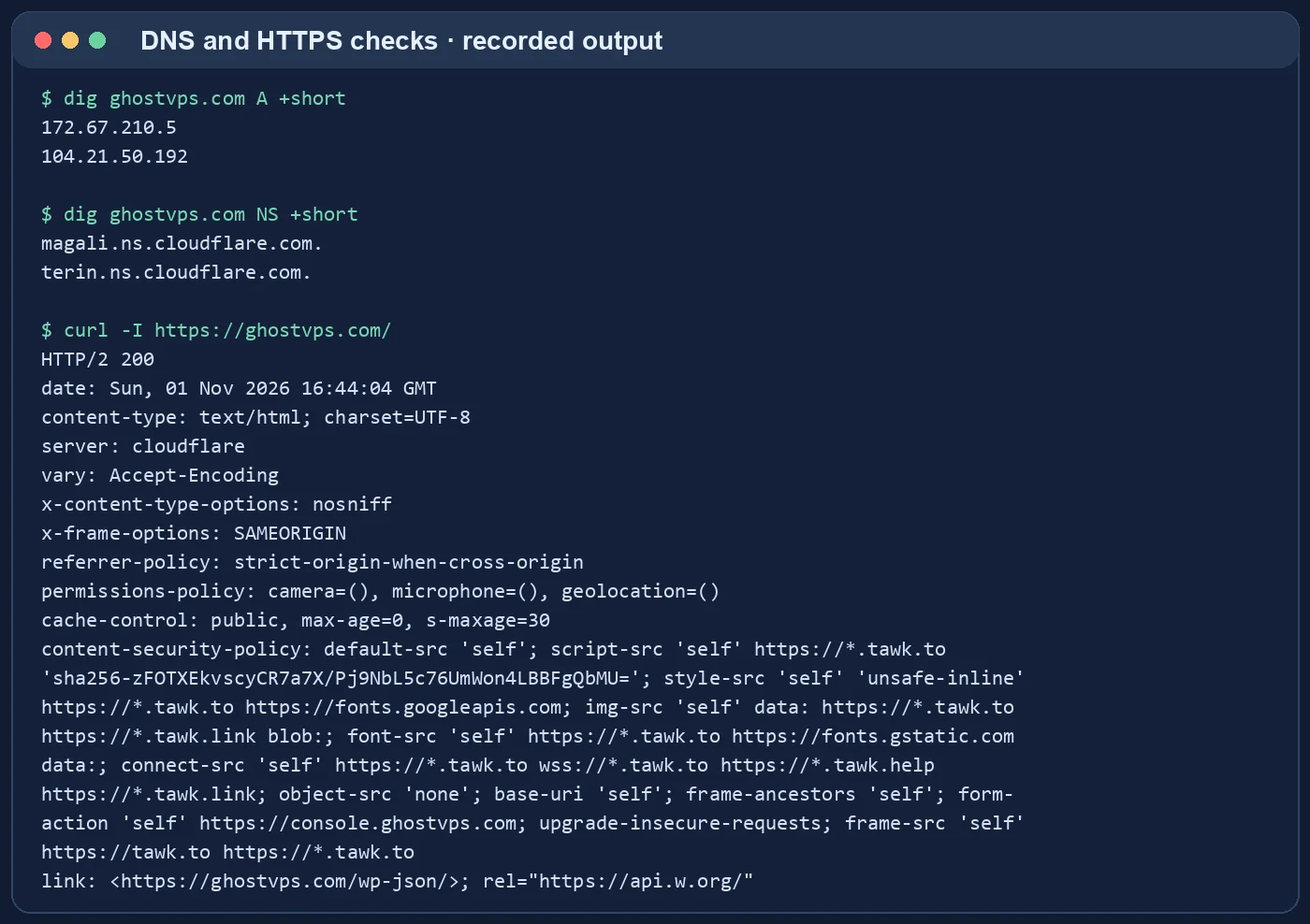
Check the HTTP and HTTPS response
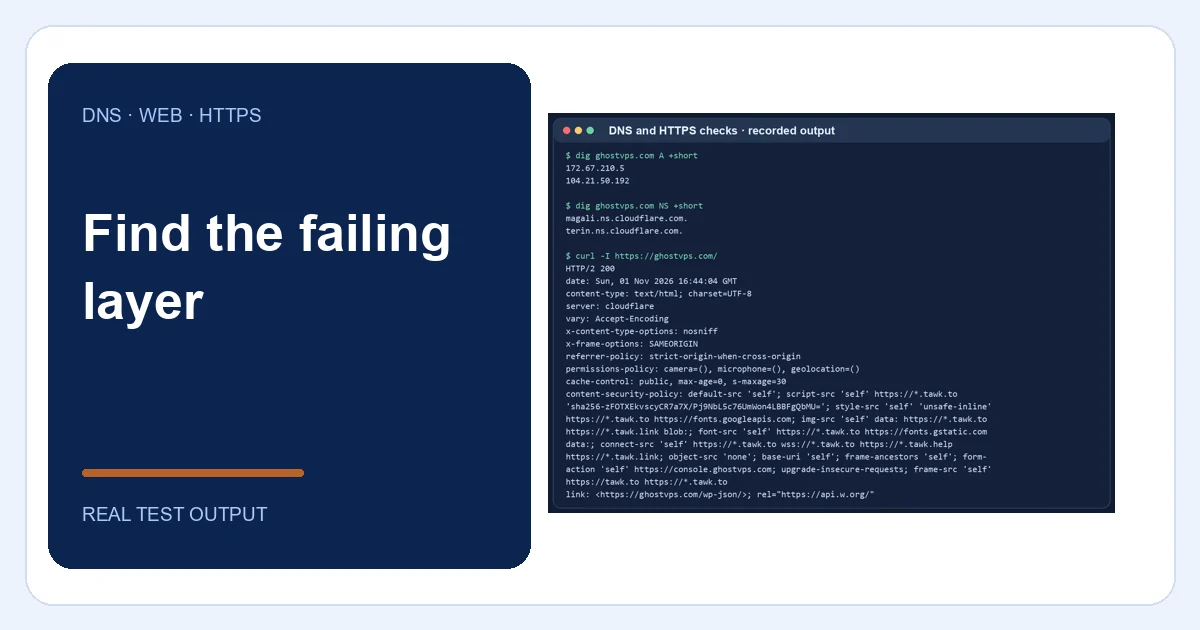
Inspect response headers and status for both the page and a known-good static asset. A TLS certificate error, DNS failure, HTTP 404 and HTTP 502 point to different layers. Our captured DNS/HTTPS check received a successful HTTP 200 from the live site; it does not imply your origin will be healthy.
Your computer · terminal
curl -I https://example.com/Read the reverse proxy error before restarting
Validate the NGINX configuration and inspect its error log around the failed request. In the isolated lab, NGINX forwarded to a nonexistent local application and returned a genuine 502. A 502 can mean the upstream refused a connection, timed out or returned an invalid response; the error log gives the specific reason.
Your VPS · Linux terminal
sudo nginx -t
sudo tail -n 50 /var/log/nginx/error.log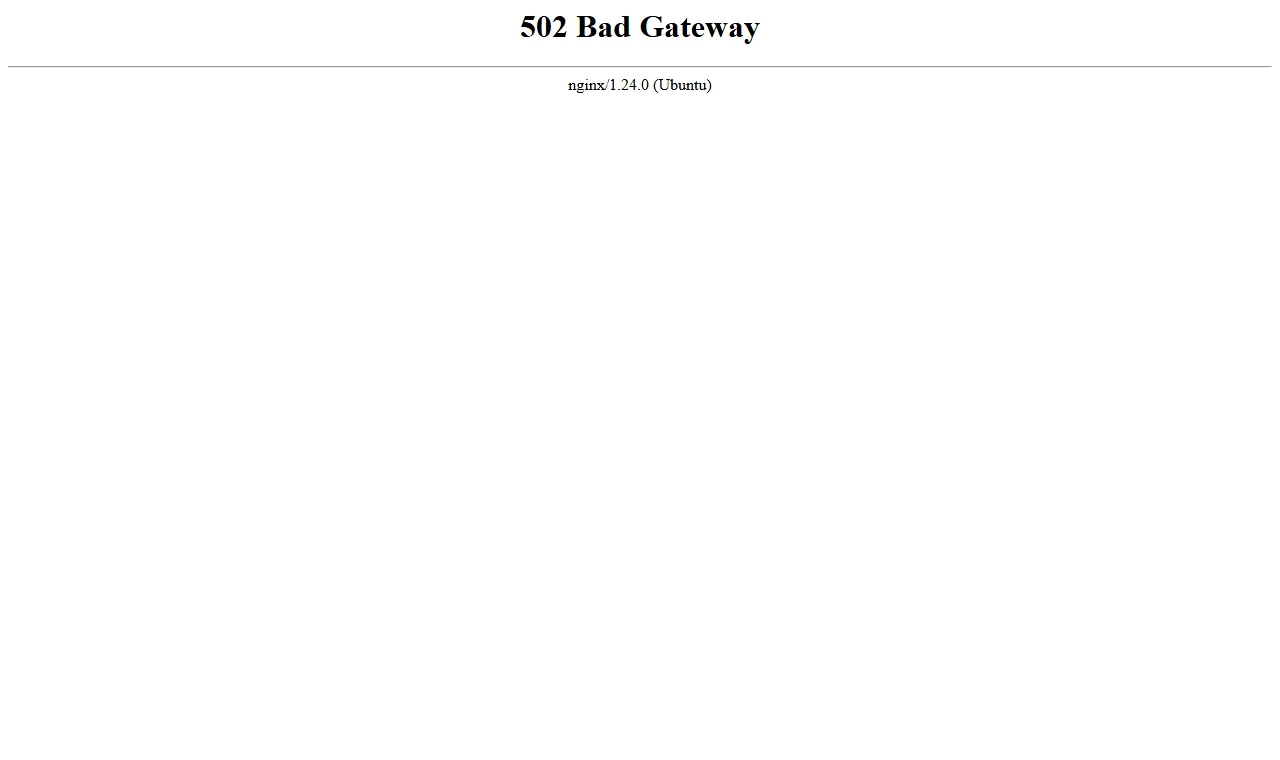
Test the application behind the proxy
Check that the upstream process is running and listening at the host and port configured in the proxy. Request it directly from the server using its local address. In the lab, correcting the isolated upstream path produced HTTP 200 without touching public DNS. On a real site, fix the application or proxy target indicated by logs, then test configuration before reload.
Your VPS · Linux terminal
curl -I http://127.0.0.1:APP_PORT/
systemctl status YOUR_APP_SERVICE --no-pager
Verify recovery from inside and outside
Repeat the local upstream request, public HTTPS request and a browser check from another network. Confirm redirects, certificate validity and content, not just status code. If the fix fails, restore the previous known-good configuration and use the recorded error to continue diagnosis.