GHOSTVPS / Automation
Check hourly VPS and GPU usage before it becomes a bill
Find the current machine rate, distinguish running and stopped resources, and reconcile activity with the Console ledger.
Updated · GhostVPS
Before you start
Access to your GhostVPS account and the exact hourly service you intend to use. Published prices and stock can change. This guide does not calculate a final invoice or assume a fixed rounding rule, activation-credit rule or storage rate; confirm those details in the checkout and account ledger.
Read the rate for the exact configuration
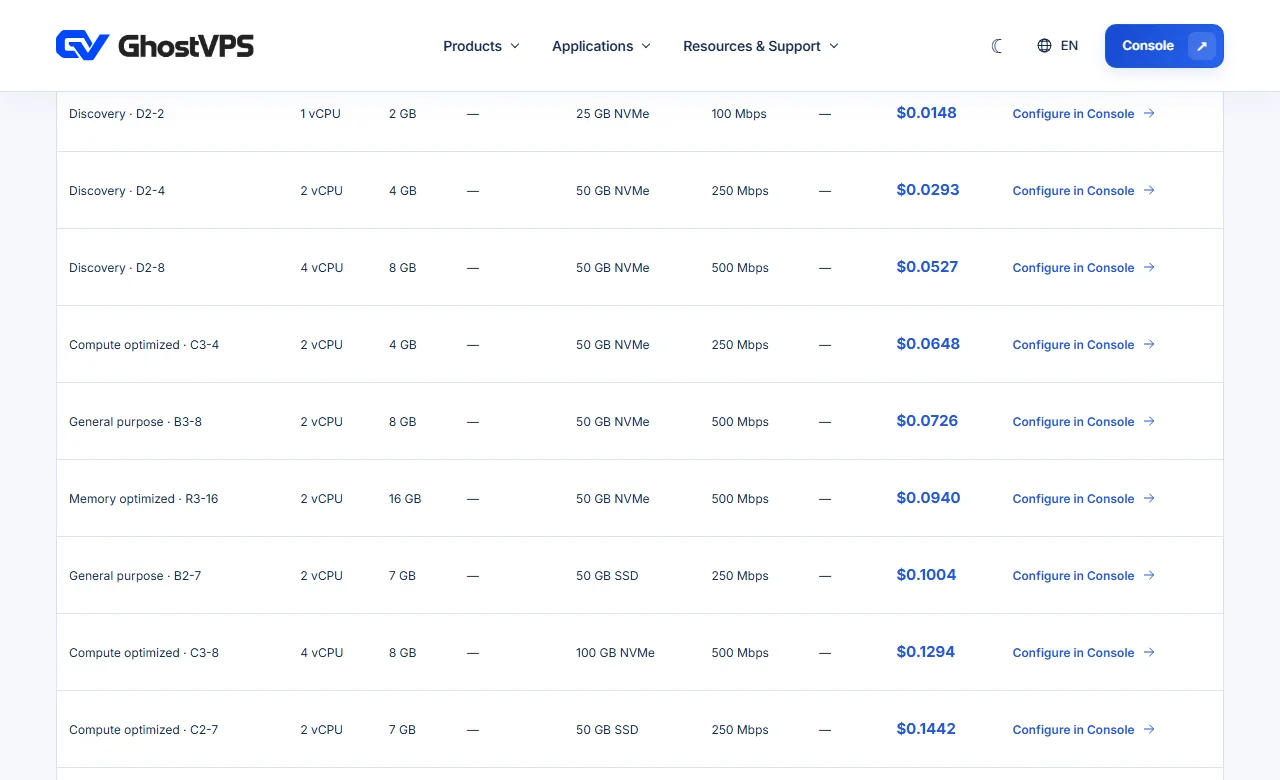
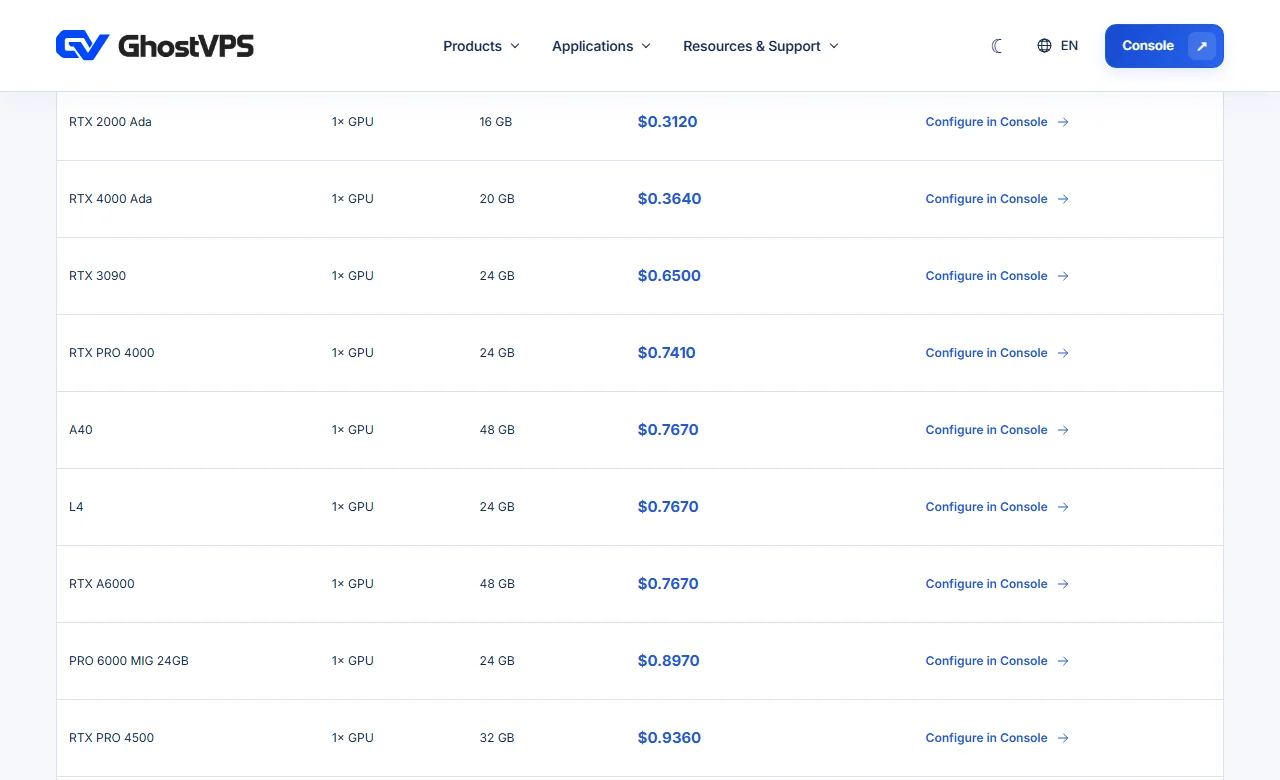
On the Hourly Cloud or GPU Cloud page, find the CPU/GPU model, resource size and displayed hourly rate. Record the time and currency of the view. Use the final Console configuration and checkout total as the purchase reference, especially if a region, OS, disk or GPU count changes.
Check the balance and any initial charge
Before adding funds, inspect the invoice line for any one-time amount and the account-credit entry in Console. A one-time checkout amount is not automatically spendable balance. If the page does not clearly say whether a charge becomes credit, ask support using the exact product and invoice label.
Track running time and resource state
Note when the instance becomes active, when it is stopped, and which resource is still retained. For GPU service, stopping compute may end GPU compute billing while retained storage can continue to cost money. A stopped server is not the same as deleting all attached resources; verify the actual status and charges shown for your account.
Review the actual account ledger
Open the service and billing area in Console. Compare usage entries, timestamps, balance movements and any disk or licence line items with your notes. Do not infer a rounding rule from one short run; check the module’s posted charge and open a ticket when a line item is unclear.

Set a practical spending routine
Before launching a long job, decide the maximum credit you are willing to consume and when you will check the balance again. Stop or remove unused resources after saving needed data. For repeated workloads, compare the observed real cost with a monthly plan using the same specifications and billing period.