Docker or direct installation on a VPS: which should you choose?
Compare reproducibility, persistent data, update work, security and backups before choosing containers or a direct installation.
Updated

Docker and a direct installation can both run the same application on a VPS. The choice changes how you package, update and back up it. Docker is useful when repeatable deployment and multiple isolated services matter; a direct installation can be simpler when one small service already has clear operating-system instructions.
Choose by the work you will actually do
Ask whether you need to reproduce the setup on another machine, pin versions, run several services or hand the configuration to a team. A container image and a reviewed Compose file can make those tasks clearer. If you have one application with a maintained package and no need for container tooling, direct installation may have fewer moving parts. Neither route eliminates the need to patch the application, operating system and dependencies.
Plan persistent data and recovery before deployment
With Docker, files written only inside a disposable container can disappear when it is replaced. Docker’s volume documentation explains persistent volumes. Map every database, upload directory, configuration file and secret to its recovery method. With a direct installation, find those paths in the service’s operating-system layout. In both cases, run an isolated restore and confirm the application starts with its data.
| Question | Docker route | Direct route |
|---|---|---|
| Repeat deployment? | Keep image versions and configuration under review | Document package versions and install steps |
| Back up data? | Identify volumes, bind mounts and database dumps | Identify service files and database dumps |
| Update safely? | Test a new image and rollback path | Test package updates and rollback path |
| Expose the app? | Review published container ports and proxy rules | Review listening services and firewall rules |
Understand the security boundary
Containers share the host kernel; they are not a substitute for a separate VPS boundary. Docker’s security documentation warns that control of the Docker daemon is powerful, so do not expose its API publicly or grant it to untrusted users. Review image sources, secrets, root privileges and port publishing. Direct installations need the same attention to service accounts, updates and exposed ports.
Apply the choice to a real workload
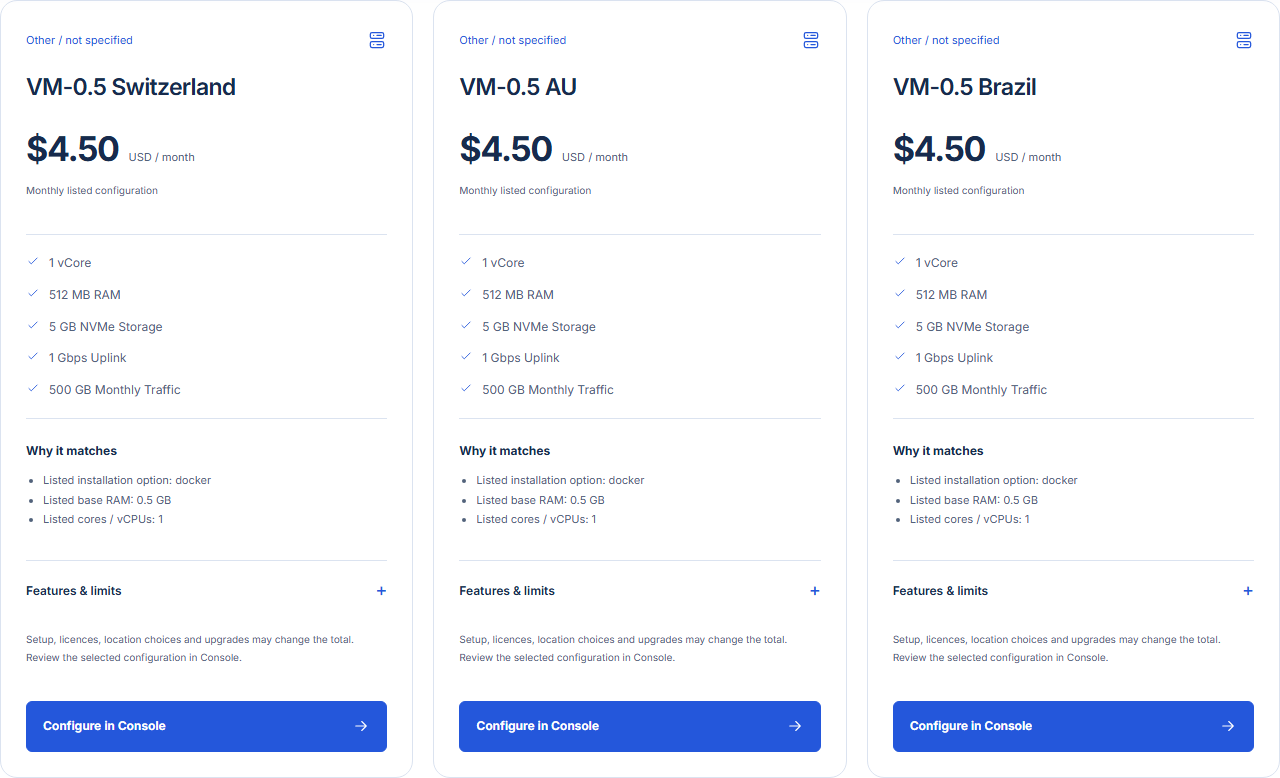
For a small internal application plus database and reverse proxy, a reviewed Compose setup may simplify repeat deployments, but it adds volume and image maintenance. For a single vendor application with supported OS packages and a clear backup path, direct installation may be easier to operate. Compare the preinstalled Docker application with the relevant Cloud VPS plan, then confirm the operating system and options in Console. If the application is WordPress, use the WordPress hosting decision guide as well; Docker does not automatically make WordPress easier to maintain.
Reviewed 31 October 2026. This article is a selection guide, not an installation procedure.