How to choose a Minecraft VPS: CPU, RAM, world size and location
Choose by edition, plugins, world and player activity, then measure tick performance and network quality before committing to a plan.
Updated

There is no honest “VPS for X players” number without knowing the Minecraft edition, game version, world, plugins, simulation distance and what the players do. Choose a server by describing that workload and measuring it during a representative session, not by buying the largest RAM figure first.
Specify the server you intend to run
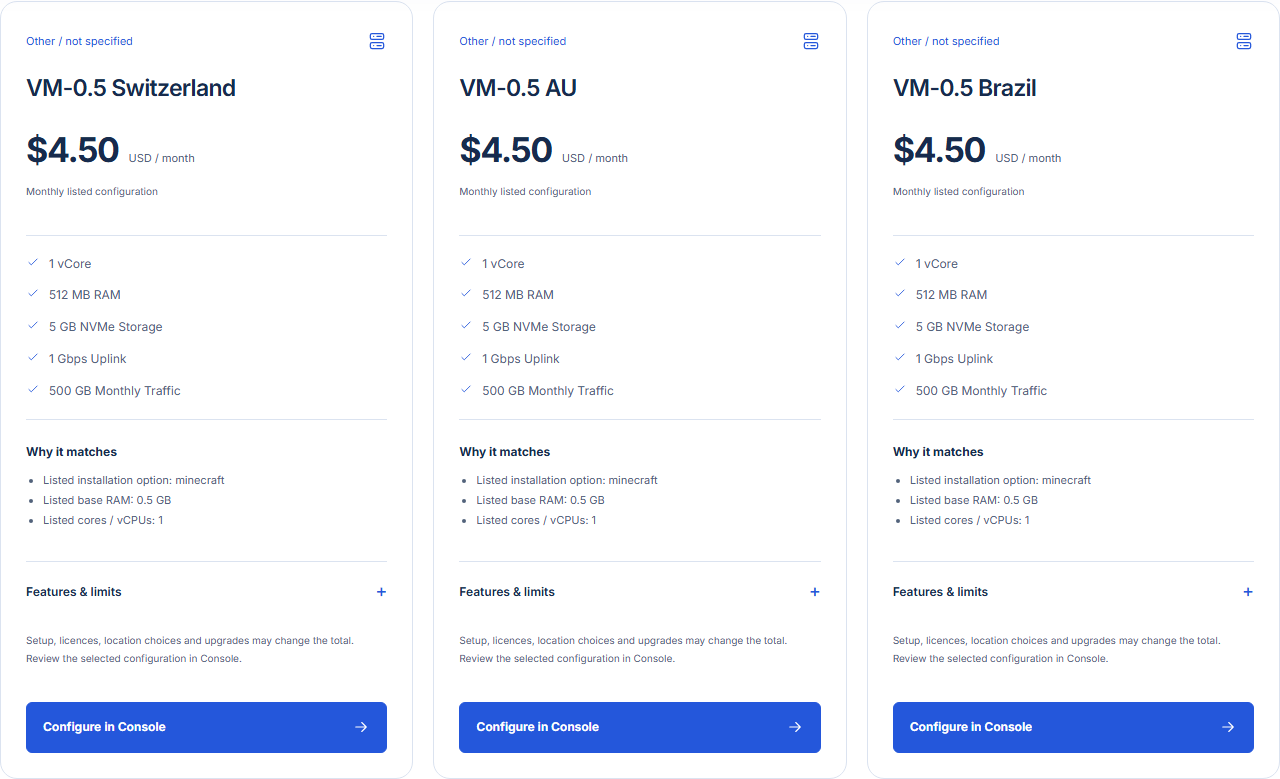
Start with Java or Bedrock edition, then choose the server software and exact version. List modpacks or plugins, expected simultaneous players, whether the world already exists, and how often players explore new terrain. These choices affect CPU, memory, disk and compatibility. The GhostVPS Minecraft application is an option where its preinstalled image is offered; verify the image and selected location before ordering.
Compare CPU, RAM, storage and location separately
Many Minecraft workloads are sensitive to the main tick loop, so CPU performance per core matters alongside total core count. PaperMC’s troubleshooting guide explains why low overall CPU usage can still hide one busy thread. Reserve memory for the operating system and Java outside the configured heap. More RAM can help when memory is genuinely short, but it cannot fix a slow tick caused by CPU or a plugin.
Choose SSD capacity for the current world, growth and temporary maintenance files; keep backups independent of the game server. Select a location near the actual players, and use the location map and verified network tests where available. Low ping does not guarantee good tick performance, and a powerful CPU does not fix a long network route.
Measure a representative play session
Run the exact server version and plugins you intend to use. Record the player count, world state, view and simulation distance, tick performance, CPU pressure, heap use, disk growth and connection quality. Test normal play plus a busy period such as exploration or automated farms. PaperMC documents the view-distance and simulation-distance settings; lowering them can change both load and gameplay, so record the values used for the test.
| Observed problem | Check first | Possible next step |
|---|---|---|
| Players see delayed actions | Tick timing and busy plugins | Profile the workload before adding RAM |
| Disconnects with normal ticks | Route, packet loss and network errors | Test from affected player networks |
| Out-of-memory errors | Heap limit, other processes and plugin use | Adjust allocation or compare a larger plan |
| World data grows rapidly | Disk usage and backup retention | Plan storage and test restores |
Make the final plan choice
Compare two real Cloud VPS configurations in a suitable location, or the supported preinstalled Minecraft application choices. Pick the smaller candidate that passes a realistic session with room for growth, and keep the upgrade path written down. Confirm the exact software and billing terms in Console. The backup guide helps protect the world before testing changes.
Reviewed 31 October 2026. We have not published a controlled GhostVPS player-count benchmark; this guide does not claim one.